
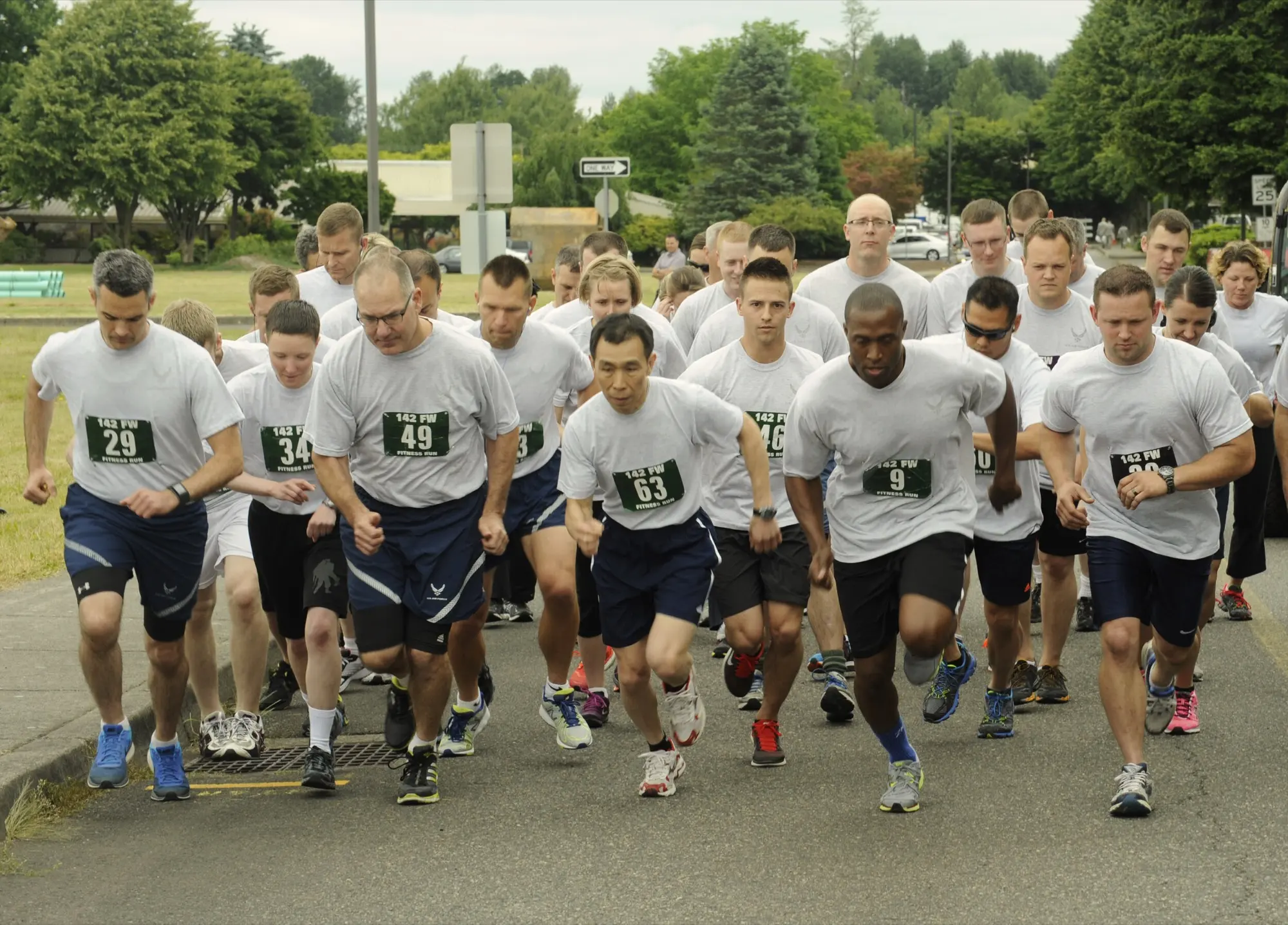
AF Fit Test Support.
Questions, problems or ideas: support@4bitcrew.com. We are a small shop, so replies come from a real person, usually within a couple of days. If you tell us your device model, your app version (Settings → About) and the numbers you entered, we can give you a useful answer far faster.
What the app does
AF Fit Test scores the 2026 Air Force Physical Fitness Readiness Assessment from the published charts: the 2-mile run or 20-meter HAMR, push-ups or hand-release push-ups, sit-ups, the cross-leg reverse crunch or forearm plank, and waist-to-height ratio. It also plans a target score for you, runs HAMR practice to the official cadence, keeps your history and, on Apple Watch, runs the assessment itself.
It is an independent app. It is not affiliated with or endorsed by the Department of the Air Force, and it is not a system of record. Your official score comes from your Fitness Assessment Cell.
Common questions
My score here does not match myFitness or what the proctor wrote down.
Work through these in order; one of them is nearly always the cause:
- Age. The charts use your age on test day, which the app derives from the date of birth in Settings. A birthday between practice and the test moves you into the next bracket.
- Category. Special Warfare and EOD Airmen score against different tables. Check the AFSPECWAR/EOD switch in Settings.
- Component choice. Push-ups and hand-release push-ups score differently, as do sit-ups, the cross-leg reverse crunch and the forearm plank. Make sure the app has the components you actually performed.
- Altitude. If you tested at 5,250 ft or above, a correction applies; see below.
- Rounding. Run times are scored to the second and the composite to one decimal place; a proctor rounding a time up or down can move the composite.
If all of that matches and the numbers still differ, email us the components, your age bracket and both scores. If the app is wrong, we want to fix it.
Which charts does the app use?
The app uses the 2026 PFRA standards, carried as chart set PFRA-2026.03.17 (the AFSPECWAR/EOD tables have their own revision, PFRA-SPECWAR-2026.03.17). Settings → About lists the chart version in use, its effective date and its source; the Charts tab shows the same at the foot of the screen. The full tables are browsable under Charts, by event, category and age group, so you can check any figure against your own copy of the publication.
Where are the Special Warfare / EOD charts?
Settings has a switch for the sex-neutral AFSPECWAR/EOD standards described in DAFMAN 36-2905 §1.3.3. Turn it on and every screen (scoring, the goal planner and the Charts tab) switches to those tables. Turn it off and you are back on the general force charts.
How does the altitude correction work?
DAFMAN 36-2905 Attachment 3 adjusts cardiorespiratory scoring for test sites at 5,250 ft and above, in four altitude groups. On the score screen, enter the elevation of the test site and the app applies the right adjustment automatically. Tapping Use current altitude reads your location once to work the elevation out for you; only the altitude in feet is kept, never your coordinates. If you are testing below 5,250 ft, leave it at sea level and nothing changes.
Does the Apple Watch app need my iPhone?
You need the iPhone app installed and the watch app on a paired Apple Watch. Once a test or practice session finishes, the result transfers to your iPhone by itself; if the watch is out of range, it queues the result and sends it the next time the two are together. Both devices read the same history through your iCloud account, so opening the app on either one after a sync shows the same records.
My watch result has not appeared on my iPhone.
Bring the watch and phone together, unlock the phone and open AF Fit Test on it; that is usually all it takes. If it still has not arrived, check that both devices are signed in to the same Apple Account and that iCloud is enabled for AF Fit Test in iOS Settings → your name → iCloud. Nothing is lost while it waits; the record stays on the watch until it is delivered.
Why does the watch ask for Health access?
Only so it can do its job during a workout: it reads heart rate, distance and active energy while you run, and saves the finished workout to Health so it counts like any other. That is the only use. Nothing goes to us, and you can decline; the watch simply records less detail. Permissions can be changed at any time in the Health app under Sharing → Apps. Full detail is in the privacy policy.
How does the trial work, and what does it cost?
The app is free to download and everything is unlocked for 7 days. After that, a single $4.99 purchase unlocks it permanently. There is no subscription and no advertising. Scoring a test on the phone, reading your existing history and browsing the charts stay free either way.
I bought the app before version 2.0.
It stays unlocked, at no charge. AF Fit Test 2.0 is an update to the same app, and it recognizes the original purchase through your Apple Account, so you should never see the purchase screen. If you do, tap Restore purchases on it while signed in with the Apple Account you originally bought it with, and email us if it still asks.
I paid and got a new phone / reinstalled the app.
Tap Restore purchases on the purchase screen. The unlock is tied to your Apple Account, so it comes back at no cost as long as you are signed in with the same account you bought it with.
Where is my data, and how do I delete it?
It is on your device and, on Apple devices, in your own private iCloud database, so it can sync between devices you own. We do not operate any servers, and we never receive it. To remove a single record, swipe it away in History; to clear everything, use Delete All on the same screen. Deleting the app removes everything it stored on that device. There is no account to close.
What about the Android version?
The Android app is coming to Google Play. It stores everything on the device: there is no cloud sync, no Health Connect integration and no health permissions, so its history does not travel to or from an iPhone. Uninstalling removes its data.
Which devices and languages are supported?
iPhone and iPad on iOS 17.0 or later, and Apple Watch on watchOS 10.0 or later. The app is available in English and Spanish and follows your device language.
Something is wrong or missing.
Email support@4bitcrew.com. Scoring bugs go to the front of the queue; send us the exact inputs and we will reproduce the problem.
AF Fit Test is made by FourBitCrew LLC. Privacy policy: https://4bitcrew.com/afpft-privacy. About the app: 4bitcrew.com/air-force-fitness-test-calculator.